Microsoft Copilot is evolving, with new features designed to help businesses create, automate and work smarter. Find out what's changing and what it could mean for your business.
Imagine having an AI assistant that doesn't just answer your questions, but can build tools for your business, manage your tasks and even get on with work while you're away from your desk.
That might sound a little futuristic, but it's exactly the direction Microsoft is heading in.
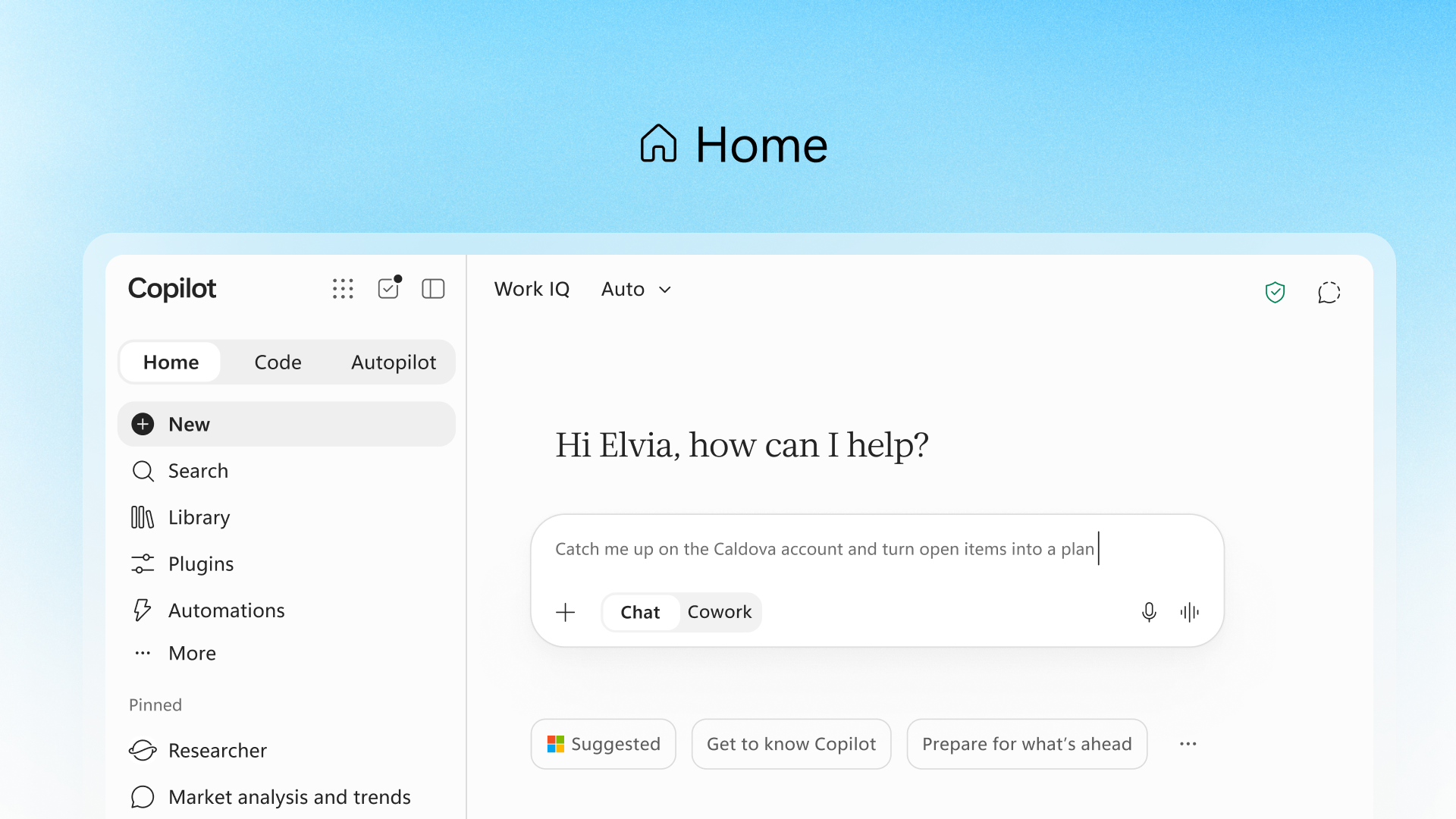
Recently, Microsoft announced three new additions to Copilot: Home, Code and Autopilot. Together, they're designed to take AI beyond simple prompts and conversations, giving it a much bigger role in how we work.
If you've used Microsoft Copilot, you'll probably be familiar with asking it questions, getting help with emails or summarising documents.
Copilot Home will bring all of that together in one place.
One of the key developments is the ability to work with Word, Excel and PowerPoint directly within the Copilot experience. Rather than jumping between different apps, you can ask Copilot to help create, edit and work with your files alongside your conversation.
What could this look like in practice?
The idea is simple: less time switching between applications and more time actually getting things done.
Ever wished you had a particular tool or application to make life easier at work, but didn't have the budget or technical knowledge to build it?
Copilot Code can change that. The new feature allows users to describe what they want to create using everyday language, with AI helping turn those instructions into working applications and solutions.
You don't necessarily need to know how to code. You just need an idea of what you want to achieve.
For example, imagine being able to create:
Instead of buying another piece of software or relying on a developer to build something from scratch, businesses could have more opportunities to create tools around the way they actually work.
We're used to AI responding when we ask it something. Autopilot takes this a step further by allowing AI to work towards a goal more independently.
Rather than giving it individual instructions every time, you can assign it an objective, provide some boundaries and let it work through the tasks involved.
It could help monitor conversations, manage follow-ups, prepare for meetings and keep projects moving.
The bigger picture is that AI is moving from being something employees use to help with individual tasks to something that can take responsibility for parts of a wider workflow.
That's a pretty significant shift but giving AI more independence also means giving careful consideration to what it can access, what decisions it can make and what actions it can take.
It's easy to look at new AI announcements and think they're just another set of features you'll probably never use. But we think that these developments are worth paying attention to.
For smaller businesses in particular, the opportunity to automate repetitive work, create useful tools and make better use of existing information could have a real impact.
It is important to remember that as AI becomes more capable, the risks and responsibilities grow too.
An AI assistant that can access your emails, documents and business systems needs to be managed just as carefully as any other user or application.
Before introducing these tools, you should be thinking about:
Who has access?
What data is being shared?
Who's in control?
What will it cost?
Microsoft's latest announcements give us a glimpse of where workplace AI is heading.
Knowing which tools are right for you, how to introduce them and how to keep everything secure is just as important as the technology itself.
At Morgan & Morgan, we help businesses make sense of new technology and understand how to get the most out of it. Whether you're considering Microsoft Copilot for the first time or looking at how AI could improve the way your team works, we're here to help.
Want to find out what AI could do for your business? Get in touch with our team and let's explore the possibilities.