Over 70% of SMEs are already using some form of AI, yet most aren’t unlocking even half of its potential. Microsoft Copilot is one of the most accessible ways for SMEs to bring AI into everyday work, helping teams save time, improve accuracy, and work more confidently with their data and tools.
Over 70% of SMEs are already using some form of AI, yet most aren’t unlocking even half of its potential. Microsoft Copilot is one of the most accessible ways for SMEs to bring AI into everyday work, helping teams save time, improve accuracy, and work more confidently with their data and tools.
But what is Copilot, really? And what can it do for a business that doesn’t have a dedicated AI team or enterprise‑level resources?
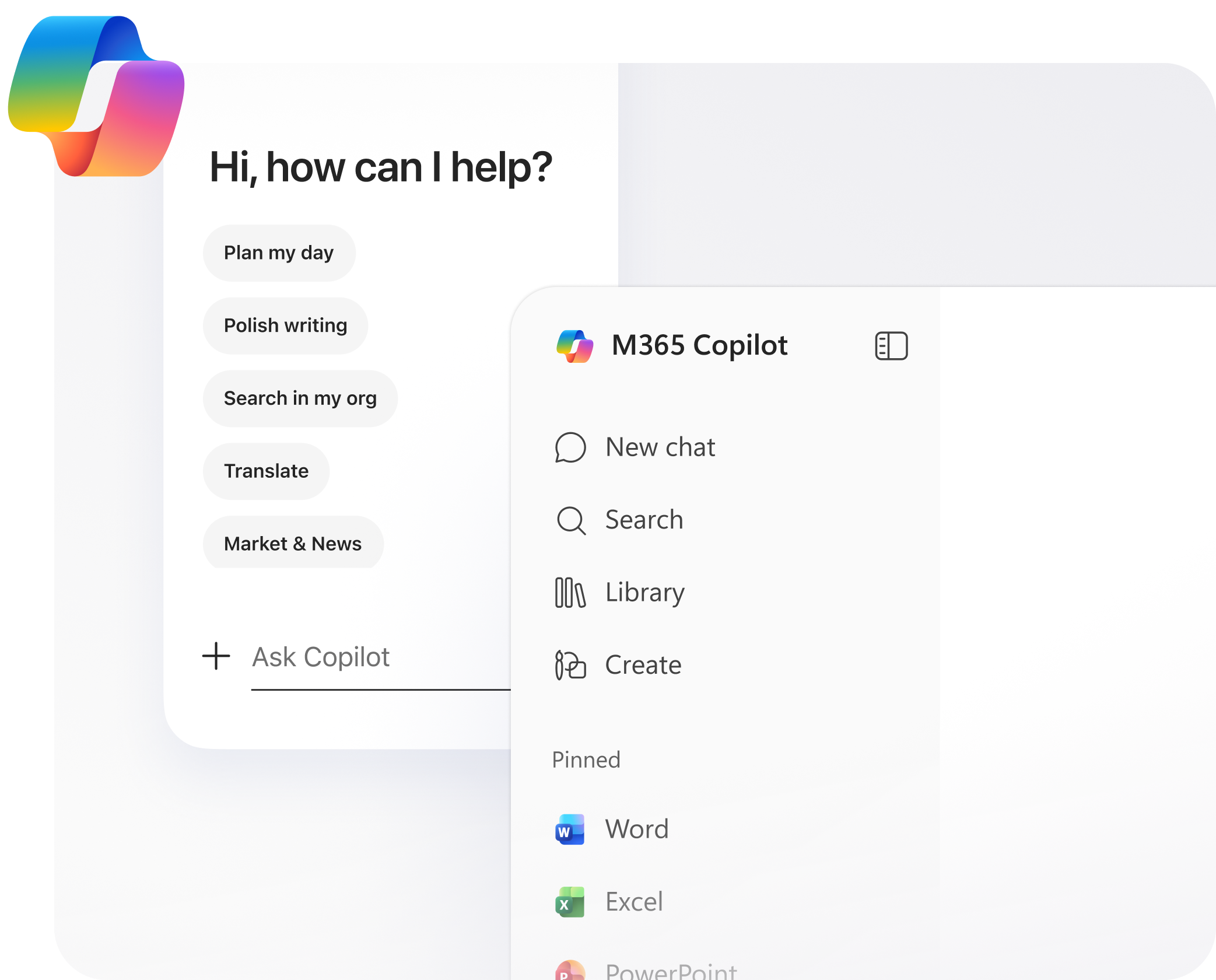
Microsoft Copilot is a conversational, AI-powered assistant built directly into the Microsoft tools that businesses already use (including Microsoft 365, Teams, Outlook, SharePoint). Instead of switching between apps or manually completing repetitive tasks, Copilot works alongside your team to speed up everyday work.
SMEs often face the same challenges as larger organisations, but with fewer people and tighter time pressures. Copilot helps close that gap by giving every employees access to AI‑powered support. This provides a range of benefits including:
Time savings: You can draft emails, summarise documents, generate reports, and prepare meeting notes in seconds.
Better decision‑making: Copilot can analyse data, highlight trends, and turn raw information into clear insights.
Reduced admin load: Routine tasks like scheduling, formatting, and information retrieval become faster and easier.
Accessible AI: No specialist knowledge required.
For SMEs, this means more time spent on strategy, customers, and growth and less on manual, repetitive work.
Copilot is full of capabilities, but these are some of the features that we think deliver the biggest impact:
Email drafting in Outlook: Turn bullet points into full messages or summarise long threads instantly.
Document creation in Word: Generate first drafts, rewrite content, or create structured documents from prompts.
Data analysis in Excel: Ask questions about your data and get charts, insights, and explanations.
Meeting summaries in Teams: Get action items, decisions, and key points even if you couldn’t attend.
Search and knowledge retrieval: Find documents, policies, or past conversations without digging through folders.
These features don’t replace people. They remove friction, speed up workflows, and help teams focus on the work that matters.
Although Copilot is great, It’s important to set realistic expectations. Copilot is powerful, but it’s not magic.
- It won’t make decisions for you.
- It won’t replace human judgement.
- It won’t fix broken processes but it will make good processes faster.
- It won’t work well without clear prompts and quality data.
If you’re curious about how Copilot can work inside your business, join us at our next webinar for a deeper dive into how Copilot works for SMEs.
Event: Copilot 101: Getting Started with AI in Your SME
Date: Thursday 30th July
Time: 11am
You’ll learn practical, real‑world ways to use Copilot across your team, plus the quickest steps to get started safely and confidently.
You can sign up here!